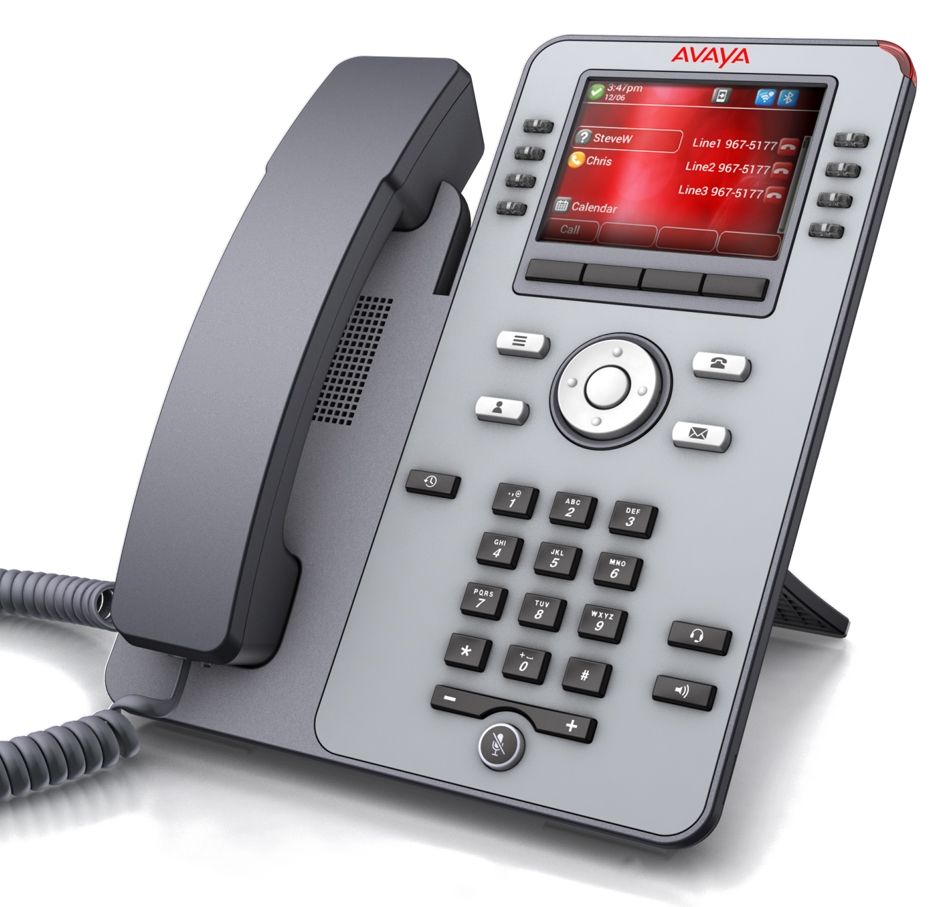
Avaya phones require additional manual intervention from the deployment technician due to the way these phones work.
To provision Avaya phones successfully, the Avaya firmware files need to be downloaded and extracted to the TFTP folder on the server.
Avaya firmware packs can be downloaded from:
https://downloads.bicomsystems.com/avaya/
¶ Firmware Compatibility
| PBXware version | Firmware | Notes |
|---|---|---|
| 6.7.5+ | 4.1.1.0.7 | Added support for J179 |
| 6.7.10+ | 4.1.5.0.6 | Added support for J139 |
¶ Firmware for Avaya J100 Series Devices
This guide explains how to set up the Avaya firmware pack on your server.
- Connect to the server via SSH:
ssh root@your-server-ip -p2020
Make sure to replace your-server-ip with the actual IP address or domain name of your server.
- Navigate to the TFTP folder:
cd /opt/pbxware/pw/tftp
- Download the firmware pack for Avaya phones:
wget https://downloads.bicomsystems.com/avaya/avaya.tar.bz2
Once you press Enter, you should see output similar to this:
wget https://downloads.bicomsystems.com/avaya/avaya.tar.bz2
--2023-06-13 10:07:00--  https://downloads.bicomsystems.com/avaya/avaya.tar.bz2
Resolving downloads.bicomsystems.com... 157.90.90.217
Connecting to downloads.bicomsystems.com|157.90.90.217|:443... connected.
HTTP request sent, awaiting response... 200 OK
Length: 376180316 (359M) [application/octet-stream]
Saving to: ‘avaya.tar.bz2’

avaya.tar.bz2                                                     45%[======>] 155,75M  8,85MB/s    in 41s
- Once the download is complete, extract the firmware archive:
tar xvjf avaya.tar.bz2
- Navigate to the Avaya folder:
cd avaya
- Move all files and folders to the root of the TFTP folder:
mv * ../
Avaya firmware files are now ready for provisioning. If you're not sure how to prepare the Avaya firmware package, please contact our support team.